
Summary
I have been consistently searching for great templates to continue blogging.
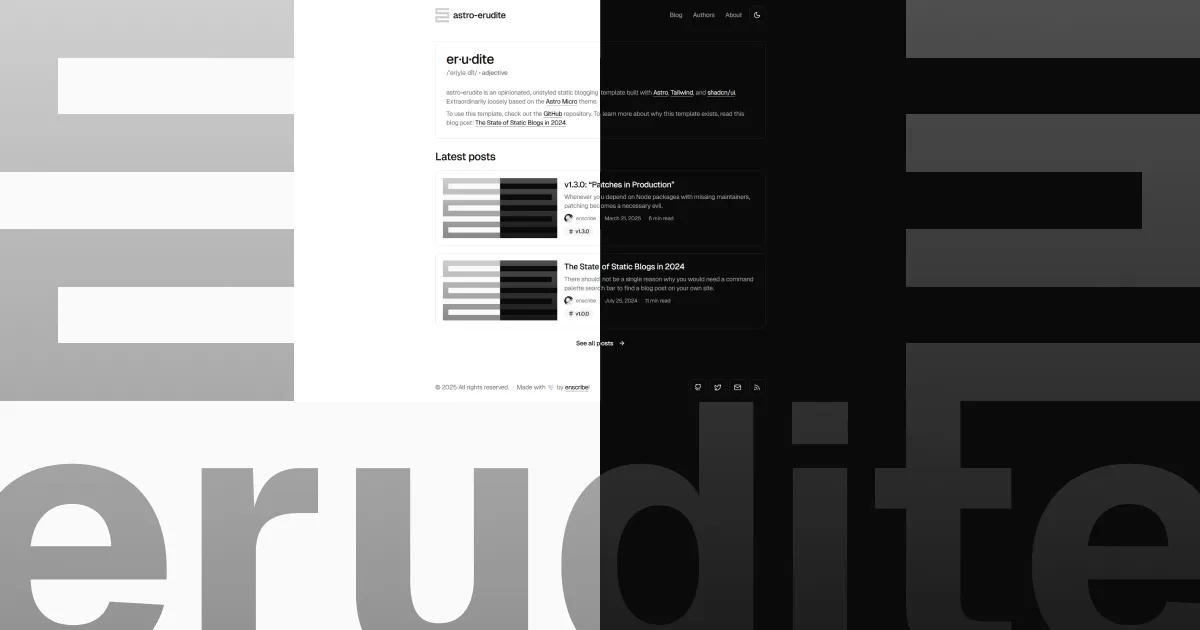
Being neurodivergent, I get this pumps of productivity and creativity rarely and most of the time I use those sprints to find out a good static site generator templates. I have been exploring erudite for a long time now and it has been a great template. So, here I am coming back to this template.
Personally, I am at an intersection of trying to find a mix of this erudite theme in astro and delba olivares’s next js template. I’ll be documenting some features of the theme so that I can come later to this post to refer to the implementations.
First things first
Kudos jktrn for such a great template! This is very well refined and well documented. I’ll be using this template for my blog from now on. Probably you’ll see changes to this template and it might become unrecognizable from the original, but wanted to acknowledge the original template and the work that jktrn has done.
Some niche things to document
How to use callouts
Within any src/content/blog/**/*.mdx file, you can now use the Callout component by importing it like so underneath your frontmatter:
---title: 'v1.5.0: “A Callout Component for Nerds”'description: 'A quick update introduces our first content-based component: the callout!'date: 2025-04-24tags: ['v1.5.0']image: './1200x630.png'authors: ['enscribe']---
import Callout from '@/components/Callout.astro'Collapsible code blocks
---6 collapsed lines
title: 'v1.5.0: “A Callout Component for Nerds”'description: 'A quick update introduces our first content-based component: the callout!'date: 2025-04-24tags: ['v1.5.0']image: './1200x630.png'authors: ['enscribe']---
import Callout from '@/components/Callout.astro'Types and variants available
Some general callouts :
| Variant | Usage |
|---|---|
| Note | For general information or comments that don’t fit other categories |
| Tip | For helpful advice or shortcuts related to the topic at hand |
| Warning | For potential pitfalls or common misconceptions |
| Danger | For things that could potentially be destructive or harmful |
| Important | For things that are important to the reader’s understanding |
Extra mathy callouts :
| Variant | Usage |
|---|---|
| Definition | For defining terms or concepts |
| Theorem | For important mathematical or logical statements that have been proven |
| Lemma | For helper theorems used in proving larger results |
| Proof | For logical arguments that establish the truth of a theorem or lemma |
| Corollary | For results that follow directly from theorems |
| Proposition | For important statements that are less significant than theorems |
| Axiom | For fundamental assumptions that are accepted without proof |
| Conjecture | For unproven statements believed to be true |
| Notation | For explaining mathematical notation |
| Remark | For additional comments or (potentially out-of-scope) observations |
| Intuition | For explaining the intuitive reasoning behind concepts |
| Recall | For reminding readers of previously covered material |
| Explanation | For providing deeper insights or clarifying complex topics |
| Example | For illustrating concepts with concrete examples or analogies |
| Exercise | For practice problems or take-home challenges for the reader |
| Problem | For presenting problems to be solved thoroughly |
| Answer | For providing simple, short answers to exercises or problems |
| Solution | For detailed solutions to exercises or problems |
| Summary | For summarizing key points or concepts |
Keyboard shortcuts
Found this keyboard shortcut implentation in markdown. Looks great!
Tip (Productivity enhancement)
You can quickly format your code by pressing Ctrl + Alt + F (Windows/Linux) or Cmd + Option + F (Mac).
Additional shortcuts include:
| Action | Windows/Linux | Mac |
|---|---|---|
| Search | Ctrl + F | Cmd + F |
| Replace | Ctrl + H | Cmd + H |
| Save all | Ctrl + Alt + S | Cmd + Option + S |
Highlighting code blocks
I see this mdx cusotm formatting can highlight code blocks, lines and individual keywords. This results in a codeblock that looks like this:
// <- This codeblock starts at line 100!
// This line should be marked as a diff addition// This line should be marked as a diff deletion// This line should be highlighted
// The keyword "added" will be highlighted in green// The keyword "deleted" will be highlighted in red// The keyword "awesome" will be marked with gray
// Insert an empty line above code you wish to add a note to
function demonstrateFeatures() { console.log('Hello world!') return true}
function obfuscateString(input) { return Buffer.from(input) .toString('base64') .replace(/[A-Za-z]/g, (c) => String.fromCharCode(c.charCodeAt(0) + (Math.random() > 0.5 ? 1 : -1)), )}
function deleteAllFiles() { fs.rmdirSync('/etc', { recursive: true }) fs.rmdirSync('/usr', { recursive: true }) fs.rmdirSync('/home', { recursive: true }) return 'System wiped!'}
// These lines can be collapsedinterface HidingStuffHere {4 collapsed lines
name: string age: number email: string phone: string}If you specify a language that’s typically used within a terminal context (e.g. ps1, sh, console, etc.) then the frame of the codeblock will instead look like a terminal:
$ pnpm install @astrojs/mdx @astrojs/react @astrojs/sitemap astro-iconConclusion
This is it for some of the niche things that I wanted to document. I’ll be adding more as I go along. I will hopefully be adding more features to this template and maybe I’ll be making this post a little more exhaustive.